
How to Organize Game Film by Team, Season, and Opponent
Use consistent filenames, event folders, version labels, and a simple index to make game film easy to find and hand off.
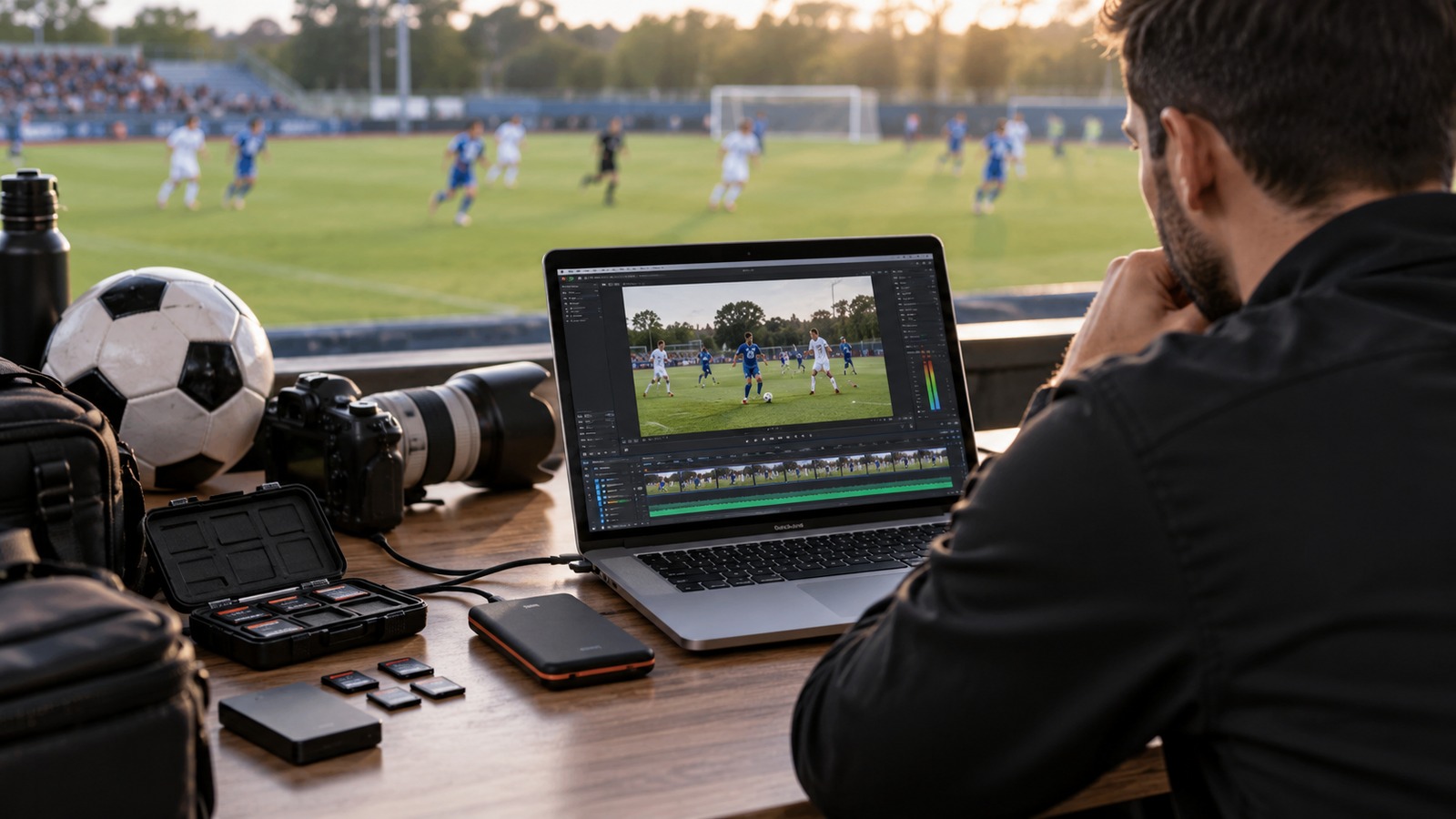
Game film becomes hard to use when every recording is called “final,” “new game,” or “upload 2.” A simple naming system saves the next volunteer from opening a dozen files just to identify the right opponent. Build the system around questions viewers actually ask.
Give each recording a stable identity
Use a repeatable filename such as 2026-11-07_U16_Hawks-v-Lions_Home_FullGame_CamA.mp4. The date sorts naturally, the team level distinguishes overlapping squads, and the final fields identify the version and camera. Keep the original filename stable even if you later improve the public-facing title.
For the published title, use readable language: “Hawks vs. Lions — U16 Full Game — November 7.” Avoid relying on an opponent's nickname alone when several teams use it. Record the competition or location when it is useful and appropriate to share.
Separate originals from viewing copies
Use a folder structure that a replacement volunteer could understand:
- Season.
- Team or age group.
- Event date and opponent.
- Originals, edited exports, thumbnails, and notes.
Do not move the only original into a temporary editing folder and forget it there. Keep the public video URL in an index rather than assuming the hosting service is your complete archive. Different versions should have explicit labels: full game, condensed replay, highlights, or corrected export.
Keep a lightweight library index
A spreadsheet is enough to start. Include event date, teams, camera operator, original location, publication status, public URL, access level, and any missing periods or audio problems. Add a short correction note when replacing a recording. That record prevents a well-meaning volunteer from republishing an older mistake.
Use separate status values for recorded, copied, edited, checked, and published. A file appearing in a folder does not establish that it has been watched or approved. Assign a person to each next step rather than leaving a vague “in progress” label.
Make the system survive a busy weekend
After each event, import files into the agreed location, check that they open, and update the index. Before deleting a memory card, confirm a second copy exists and test a sample from it. Schedule periodic checks for broken links and duplicate uploads.
If a game runs across several clips, preserve their order in the filenames and record any gap. An honest note such as “Recording begins two minutes into the second half” is more useful than silently presenting an incomplete video as a full replay.
Pair this system with our game-day video checklist and season archive backup guide. A consistent structure gives both coaches and families a better chance of finding the footage they need.