
How to Back Up Game Film and Protect Your Season Archive
Protect game footage with organized originals, independent copies, verified transfers, retention decisions, and a practiced restoration.
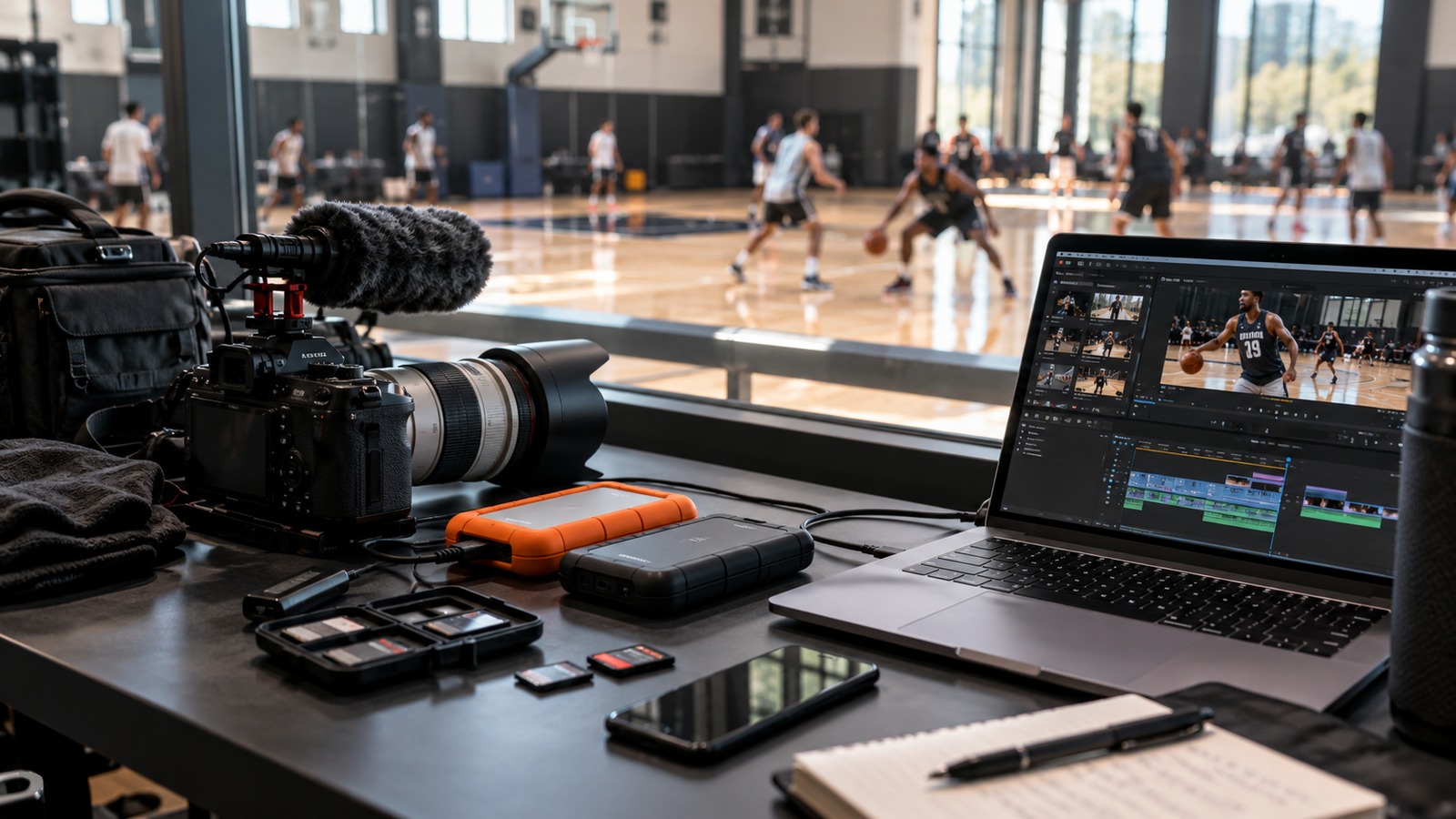
An uploaded replay is convenient for viewers, but a season archive needs a recovery plan. A deleted account, failed drive, accidental overwrite, or damaged file can expose a gap in that plan. The goal is to preserve material you are authorized to retain and make recovery practical.
Decide what must be recoverable
List your originals, editing projects, finished masters, thumbnails, and publication records. Not every temporary export deserves permanent storage. The camera original and the final approved version usually have different value from a scratch render made during editing.
Record who owns the archive and who may access it. A volunteer's personal laptop should not be the only place where a team's season exists. At the same time, copying footage into many uncontrolled personal accounts can create access and deletion problems. Follow the team's permission and retention process.
Keep copies that fail differently
Two folders on the same drive do not protect against that drive failing. Aim for separate copies in independent locations or systems, with one protected from an everyday accidental edit. The exact arrangement depends on the organization, but the recovery question is concrete: if this device disappeared today, where would the usable copy come from?
Use clear filenames and an index linking event, original location, approved export, and hosted URL. Include any known missing footage. A backup that contains hundreds of unlabeled clips can be difficult to restore under time pressure.
Verify before erasing recording media
After a game, copy the files and check that they open. Make the second copy, then open samples from that location too. For larger archives, checksums can help detect changes or copy errors, but a checksum alone does not establish that the original recording was complete or visually usable.
Do not clear memory cards based only on a transfer application's success message. Review file count, approximate sizes, segment order, and playable samples before reusing the media.
Rehearse a small restoration
Choose an older event and restore its files into a temporary folder. Can a different authorized person find the correct version, open it, and identify its publication status? Record the steps and the time required. Fix missing access or unclear names before a real incident.
Review the archive periodically for damaged media, broken public links, expired access, and unnecessary retained copies. When the organization decides footage should be removed, include backups in the retention plan rather than assuming deletion from the public page removes every copy.
Start with our game-film naming system, then use the storage guide to budget for originals and recovery copies separately. A dependable archive is one someone can actually restore, not simply one with many files.