
A Game-Day Video Checklist for Coaches and Team Volunteers
A practical sequence for equipment checks, recording handoffs, file backups, and publication review before and after a sports event.
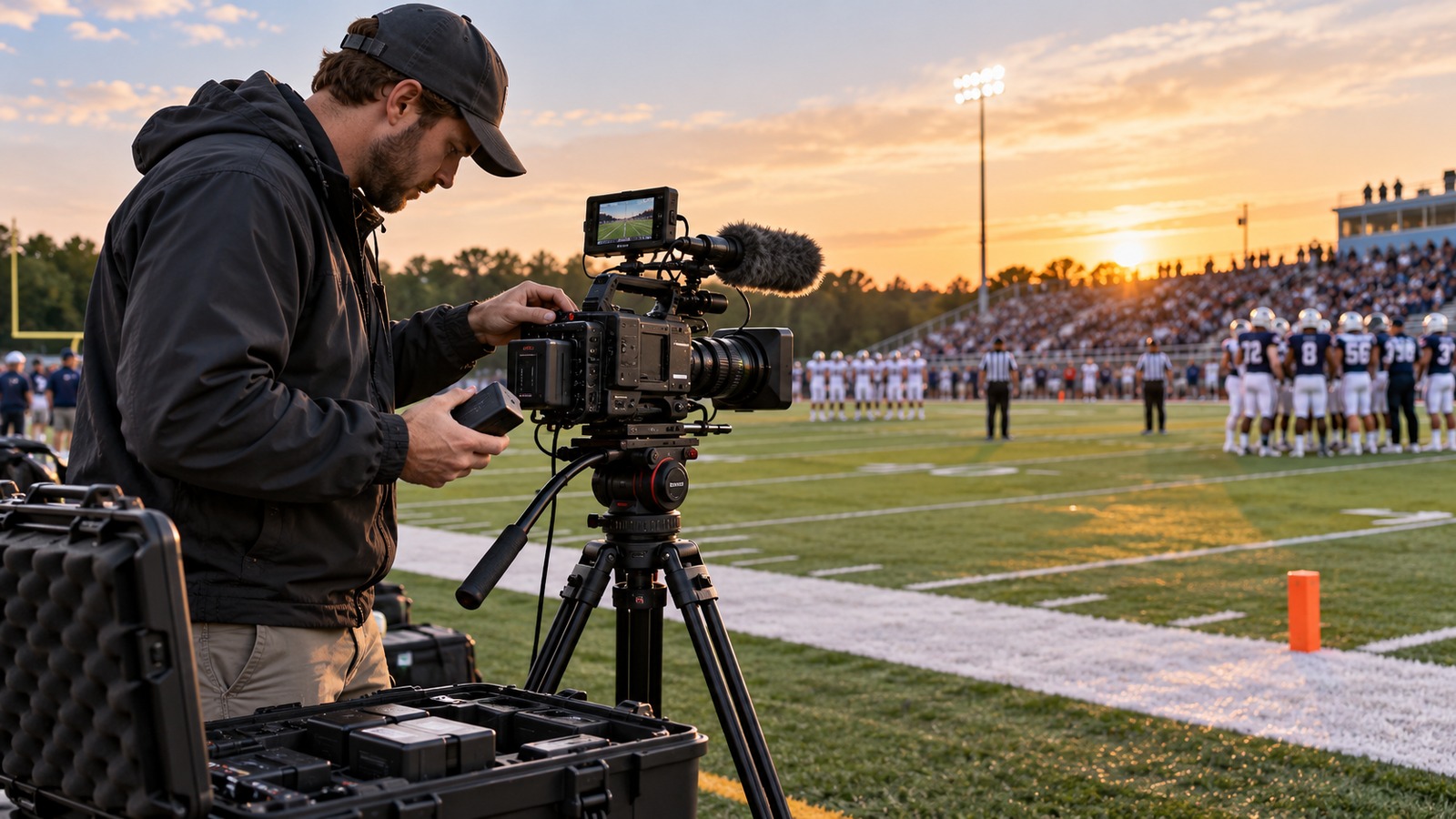
A reliable game recording depends on several small jobs happening in order. A checklist makes those jobs visible and gives a substitute volunteer something practical to follow. Use the sequence below as a starting point, then adapt it to the sport and venue.
The day before
Confirm the event time, location, filming permission, and the person responsible for the camera. Ask where equipment may be placed and whether there are restrictions on tripods, electrical outlets, or recording particular participants. Confirm what viewers have been promised: a complete replay, coaching footage, or a short recap.
Charge the camera and batteries, clear enough storage, and check the mount. Record a test clip using the intended settings. Review the picture and sound on a separate screen if possible. Pack cables and adapters with the equipment rather than assuming the next volunteer will bring compatible ones.
Before the opening play
- Set up in an approved location with a clear view.
- Secure the equipment without blocking aisles or emergency access.
- Check framing at both ends of the playing surface.
- Confirm focus, exposure, audio, battery, and free storage.
- Start recording early and confirm the timer is advancing.
- Note the team names, date, competition, and camera operator.
Choose a handoff signal if one operator will replace another. State explicitly whether the recording should continue during that change. Many gaps happen because both people assume the other has pressed record.
During breaks
Check the recording indicator and the equipment's condition. Look for a spectator, banner, or sun position that now blocks the image. Check battery and storage before the final period, not only when an alert appears. If a file ends automatically, start the next segment and record the approximate point of the interruption in your notes.
Avoid using breaks to make unnecessary changes to settings that already work. A quick check should protect continuity, not introduce an untested camera mode halfway through the game.
After the game
Record through the final action, then stop deliberately. Confirm the file exists and plays. Transfer originals into the agreed season folder and verify a second copy. Keep memory cards or phone files until that backup is confirmed.
Update the library index with missing sections, audio concerns, or permission restrictions. The editor should not have to discover these by surprise after promising a complete replay. Assign an upload owner and a realistic deadline.
Before publication
Watch the finished export, check title and thumbnail, and test the viewer link with the intended access. Keep the checklist with the recording notes so the next operator can see what happened.
Use our game-film organization system for filenames and handoffs, and the backup guide to protect the footage once the event is over.