
Video Hosting for Sports Teams: What to Look For
Compare sports video hosting by viewer access, upload workflow, storage, organization, and the practical needs of a full season.
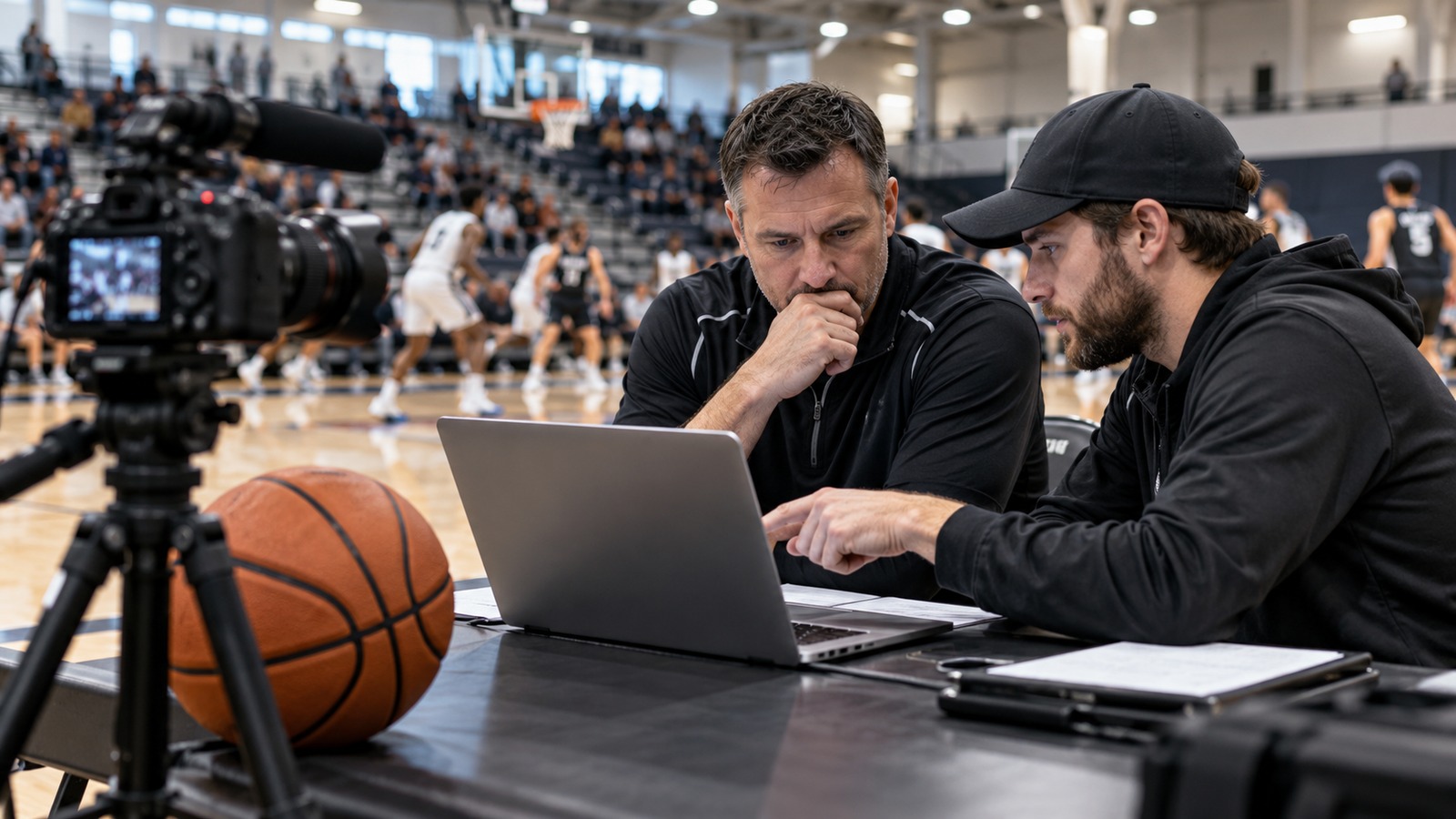
Choosing video hosting for a sports team is a workflow decision. The right service should help the person uploading footage and the people trying to watch it. A long feature list matters less than whether a family can find Saturday's game or a coach can access last month's recording.
Start with three real viewing situations
Write down who needs each type of video. A public tournament recap, a team-only practice recording, and a paid instructional series may need different access arrangements. Do not assume one visibility setting covers all three. Check the current product documentation and test the actual viewer journey before committing a season's library.
Distinguish discovery from access. A video hidden from search may still be accessible to anyone holding its link. If access must be limited to approved people, evaluate authentication, permission changes, and what happens when a link is forwarded. No interface label substitutes for testing with a separate viewer account.
Compare the whole upload-to-playback path
Use the same representative game file when evaluating options. Note how long the upload takes, whether processing finishes reliably, and whether the finished recording plays on the devices your audience uses. Test a longer replay as well as a short highlight. Check that the uploader can recognize a failed upload and recover without creating confusing duplicates.
Make a simple comparison sheet with these columns:
- Storage allowance and how usage is calculated.
- File restrictions and supported upload formats.
- Organization tools for teams, seasons, and video types.
- Viewer access and the process for removing access.
- Playback on phones and ordinary home connections.
- Export or download options for your own material.
- Current price, renewal terms, and support contact.
Calculate a season, not one upload
Estimate the number of games, average file size, practice recordings, interviews, and edited versions you will retain. Include room for growth and keep original footage backed up separately. A plan that fits opening weekend may not fit the full season. Our storage planning guide includes a worked calculation.
Test the handoff
Ask someone other than the administrator to locate a specific recording from a shared link. Have a second volunteer attempt an upload using the intended permissions. Write down any steps that require help. Clear responsibilities and a documented handoff can matter as much as software features when volunteers change.
Pargo TV's available plans and features can change, so use the current pricing page when assessing its offering. Choose based on a tested fit for your team, then set up a consistent game-film organization system before the library grows.