
How to Start a Sports Video Channel: A Step-by-Step Launch Guide
Launch a sports video channel with a clear audience, a small starting library, tested playback, and a production routine your team can maintain.
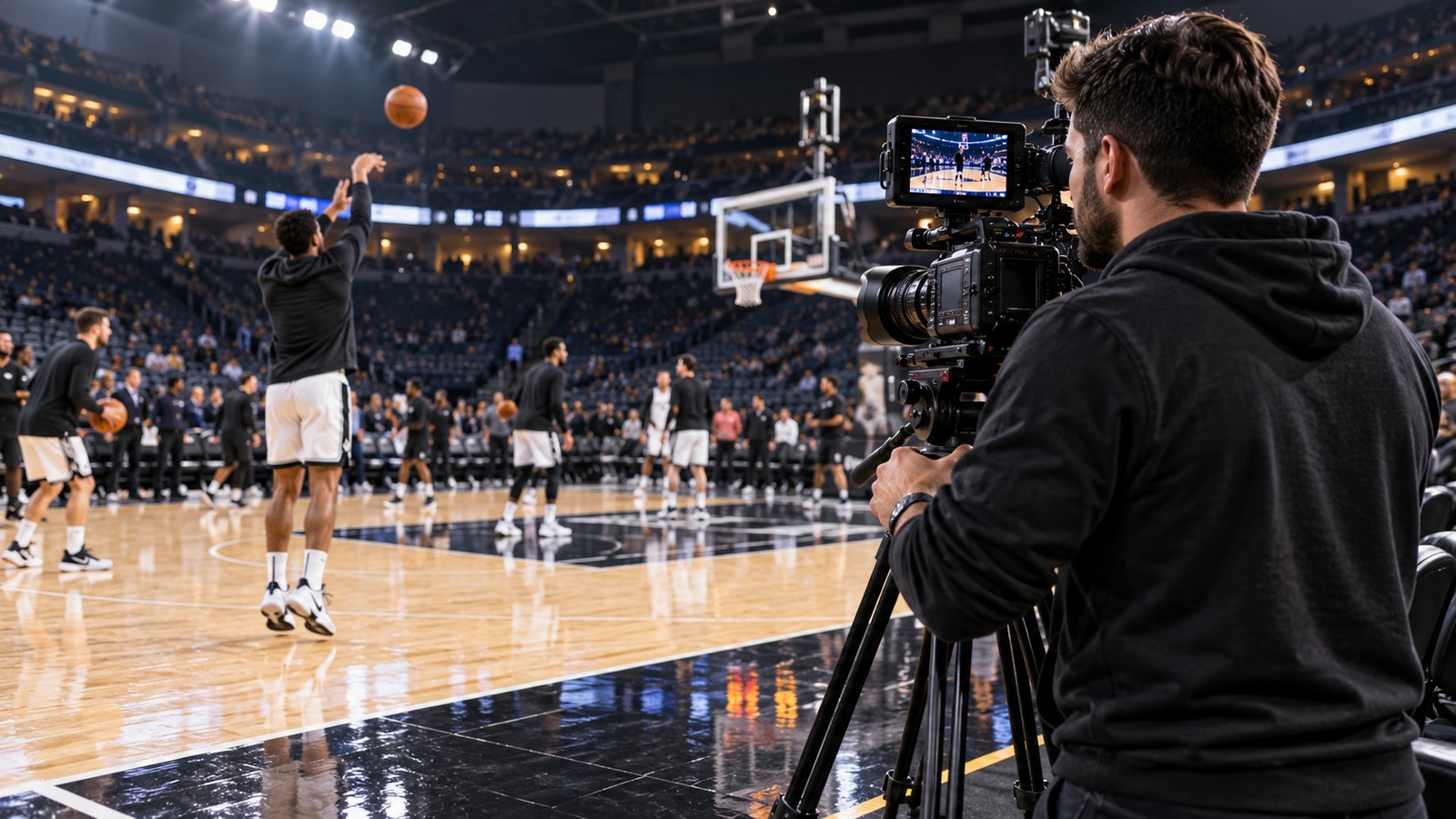
A useful sports video channel starts with a clear promise: who it serves, what viewers will find, and when they can expect something new. A small, dependable library is easier to build than a channel that tries to cover every team and every format.
Define the viewer before buying equipment
Choose one primary audience for your first month. Players reviewing performances need different recordings from families watching a replay or fans following a local league. Write a one-sentence brief such as: “We publish complete home-game replays and a short weekly recap for our basketball community.” Use that sentence to decide what belongs on the channel.
Name a channel owner and a backup. Record who can approve uploads, who receives correction requests, and where original files are stored. Confirm the organizer's recording and publication rules before filming, especially when participants are children. Permission to record an event should not be treated as blanket permission to publish every interview or close-up.
Build a three-video starting library
Prepare a short introduction, one representative replay or feature, and one practical follow-up. The introduction should explain the channel's purpose. The main video should demonstrate its value. The follow-up might answer a viewer question or preview the next event. Watch every file before sharing it publicly.
For each upload, prepare a descriptive title, a thumbnail that matches the footage, a brief explanation, and any corrections or context a new viewer needs. Keep a separate record of the recording date, publication permission, original filename, and final URL. This makes later updates much easier.
Run a simple launch rehearsal
Ask a teammate to use the channel without your help. Can they identify the latest game, open the correct video, hear the introduction, and find the next relevant recording? Test on a phone as well as a larger screen. A link that works for the channel owner may behave differently for someone who is signed out.
Use this launch checklist:
- Channel purpose and audience are written down.
- Recording and publishing permissions are checked.
- Three finished videos have clear titles and matching thumbnails.
- Playback, links, and viewer access have been tested.
- Original footage has a second stored copy.
- Someone owns the next upload and its deadline.
Decide what success means
Start with an operational target: publish the promised recording on time and make it easy to find. Track recurring questions and missing footage before chasing a large upload count. Those observations tell you what to improve next.
Next, use our 30-day content calendar to turn the launch into a repeatable routine, and review video hosting for sports teams before choosing a long-term home. Explore Pargo TV for its current channel offering.