
Sports Video Editing for Beginners: From Raw Footage to Finished Replay
Protect originals, assemble a clear timeline, check graphics and captions, and verify the exported and hosted versions of a sports video.
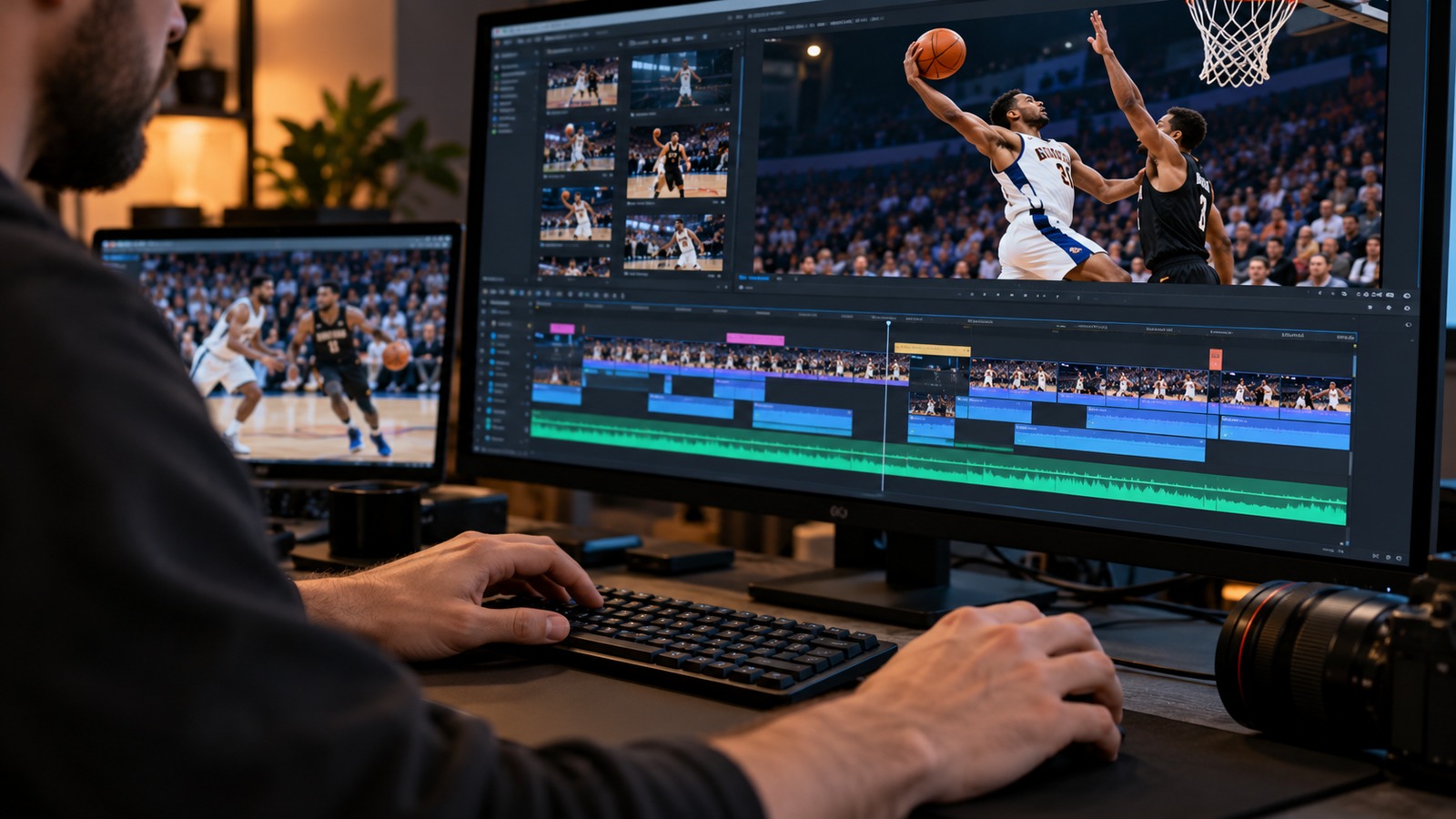
A clean sports edit begins with knowing what the finished video is supposed to do. A complete replay needs continuity. A recap needs a clear selection of moments. Decide which you are making before trimming, adding graphics, or choosing a soundtrack.
Protect the originals first
Copy the camera files into a labeled event folder and verify a second copy. Open several files from both copies before clearing the recording device. Keep editing projects, working media, and final exports separate so a temporary cleanup does not remove the only original.
Write down the team names, event date, file order, and known gaps. If another volunteer filmed the event, ask about interruptions before building the timeline. A missing section cannot be recovered by making a transition look smoother.
Build a plain first cut
Arrange segments in chronological order. Remove only material that is outside the intended program, such as setup footage before the event. For a full replay, be careful about cutting stoppages: an overaggressive trim can remove the restart or make a score change confusing.
Watch the joins between segments. Check that the next file is not a duplicate and that the audio does not jump unexpectedly. Use a short factual card when a gap needs explaining. Keep titles readable and verify spelling against the event record.
Improve clarity without disguising the recording
Make modest exposure or audio adjustments when needed, checking the result across several scenes. A setting that helps one dark corner can damage a brighter shot. Avoid exaggerated sharpening or noise reduction that makes moving players look unnatural.
Use graphics only when they help the viewer understand the footage. If you add a score, period, or player identification, verify it. Do not invent a scoreboard from memory. Keep captions and graphics away from important action.
For spoken introductions or interviews, review captions for names and terminology. The W3C media accessibility guidance explains how captions, transcripts, and other access features address different viewer needs. A caption file produced automatically still needs editorial checking.
Export and check the finished file
Follow your chosen host's current file requirements. Preserve the source frame rate where practical and avoid repeatedly exporting and recompressing an already compressed viewing copy. Keep a high-quality master for future corrections.
Watch the export itself, not just the editor's preview. Check its opening, ending, segment joins, captions, and several fast sequences. Upload it, wait for processing, and test the published version as a viewer. A successful export is not proof that the final hosted video is correct.
Keep the project, master, thumbnail, and public URL together in the library index. For the next step, read upload preparation and backup planning. They help keep a finished edit from becoming the only surviving copy.