
How to Build a Sports Training Video Library
Build a focused training video collection around learning objectives, clear demonstrations, useful labels, and ongoing editorial review.
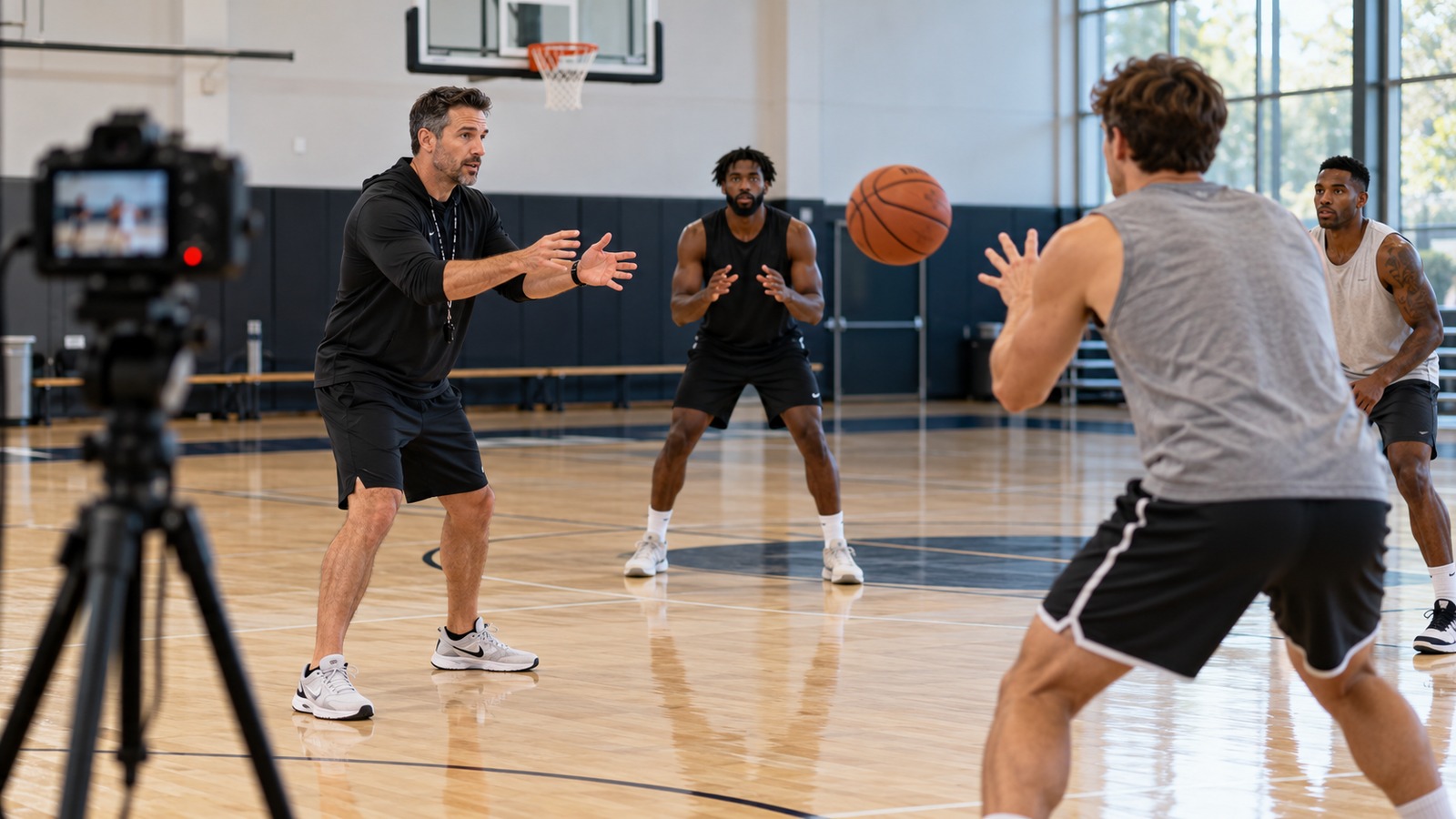
A training library should help someone find the next useful lesson. Uploading a large collection of drills without context can make that harder. Organize the library around a learner's goal, experience, and the explanation needed to use each recording responsibly.
Define a small learning path
Choose one audience and one skill area for the first collection. For example, a coach might build a short series explaining a team's warm-up organization or a progression of passing decisions. Have qualified coaching staff select the instruction and identify prerequisites. Do not present a generic video as individualized medical, rehabilitation, or injury advice.
Plan the sequence before filming. A useful first collection may include an overview, a demonstration, common execution errors, and a guided review. Give each video a distinct purpose instead of splitting one explanation into several nearly identical uploads.
Make the instruction visible
Record from an angle that shows the movement being explained. A wide view can establish the setup, followed by a separate closer demonstration if needed. Keep the demonstration and spoken instructions consistent. If a coach describes a detail that the camera cannot show, record an additional view or clarify it in the accompanying text.
Use a repeatable lesson brief:
- Who the lesson is for.
- Its specific learning objective.
- Equipment and space requirements.
- Prerequisite instruction or experience.
- Demonstration sequence and key observations.
- A review question and the next relevant lesson.
Organize for retrieval
Use descriptive titles and consistent labels for sport, skill, and level. Keep an index containing the recording date, coach or presenter, version, and current URL. When instruction changes, identify the replacement clearly rather than leaving competing versions without explanation.
Write short page summaries that explain what a viewer will learn before pressing play. Add checked captions or a transcript for spoken instruction where your workflow supports them. The W3C accessible media resources can help plan these features from the start.
Test a lesson with its intended audience
Ask an appropriate coach or learner to use the video without your verbal explanation. Can they identify the objective and describe the setup? Note where they pause, rewind, or misunderstand a term. Those observations help improve the recording more directly than adding another lesson immediately.
Review the library on a schedule. Remove broken links, mark superseded instruction, and confirm that the named owner still maintains the material. A smaller current collection is often easier to use than an expanding archive with no editorial responsibility.
Use our title and description guide to label lessons clearly, and our interview audio guide when recording coaches' explanations. Preserve original demonstrations so future corrections do not require rebuilding the library from low-quality copies.