
How to Film Youth Sports Games With a Smartphone
Prepare your phone, choose a safe camera position, follow the action, and check the recording before sharing a youth sports game.
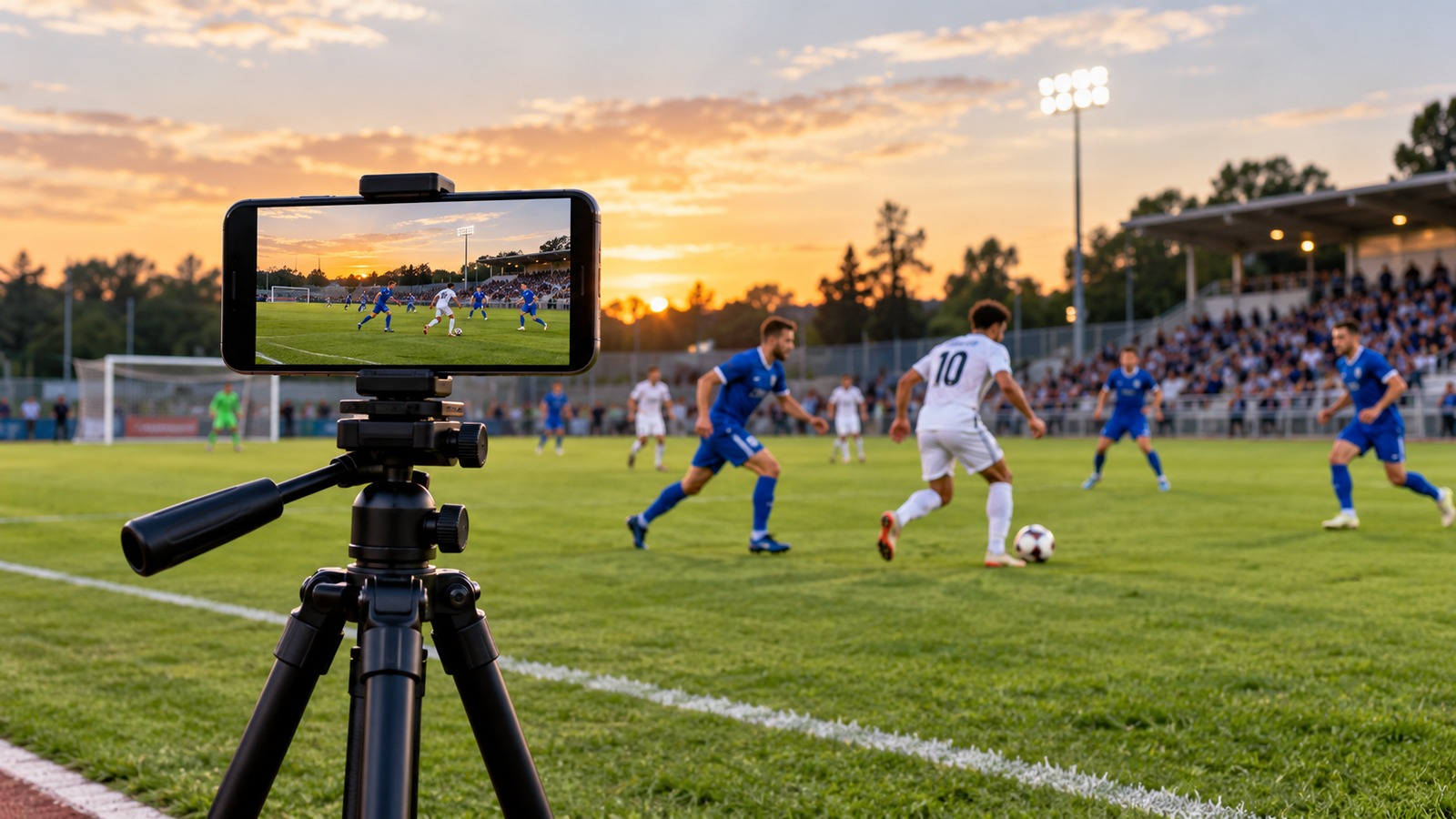
A smartphone can produce a useful game recording when it is stable, well positioned, and ready for the full event. The most common failures are practical: a low battery, a blocked view, a storage warning, or a camera that stops recording unnoticed.
Prepare the phone before arriving
Check free storage, charge the battery, and make a short recording at the settings you intend to use. Play it back with sound. Bring a stable mount, an appropriate power supply if permitted, and a way to keep equipment protected from weather. Follow the venue's rules and never run charging cables across a walkway.
Choose settings after testing the light and the phone's available space. A consistent 1080p recording can be more useful than a higher-resolution file that overheats the device or fills its storage midway through the match. Read our 1080p versus 4K guide for the tradeoffs.
Find a safe view of the play
For a wide game record, place the phone near the central area of the playing surface where the venue permits recording. A little elevation can help, but use only approved platforms or seating. Do not stand on rails, block spectators, or put equipment near an active sideline.
Record horizontally when the main deliverable is a wide replay. Keep the horizon level and check that important areas remain visible. Clean the lens. If possible, avoid filming directly into a bright window or low sun. Excessive digital zoom can make following the action harder and reduce usable detail.
Operate for continuity
Start before the opening play and monitor the recording indicator throughout the game. Move smoothly, leaving space ahead of the action rather than chasing only the ball. Keep recording through the end of a play so a coach can understand the result.
During breaks, check battery, available space, temperature, and the saved clip. If you must stop, note the gap. Do not assume another person recorded the missing section unless you have confirmed it.
Check before sharing
- Confirm the correct teams and date.
- Watch the beginning, middle, end, and any interrupted section.
- Remove unintended private conversations where appropriate.
- Follow team and organizer rules for recording and publishing participants.
- Copy the original and verify a backup before deleting it from the phone.
Finally, upload a checked viewing copy and test it on another device. Keep the original for corrections or later edits. Our game-day checklist helps make this routine repeatable, even when a different parent or volunteer takes the next turn behind the camera.