
How to Create Sports Video Thumbnails That Match the Content
Create accurate sports thumbnails with a clear subject, readable labels, original or permitted imagery, and a small-screen check.
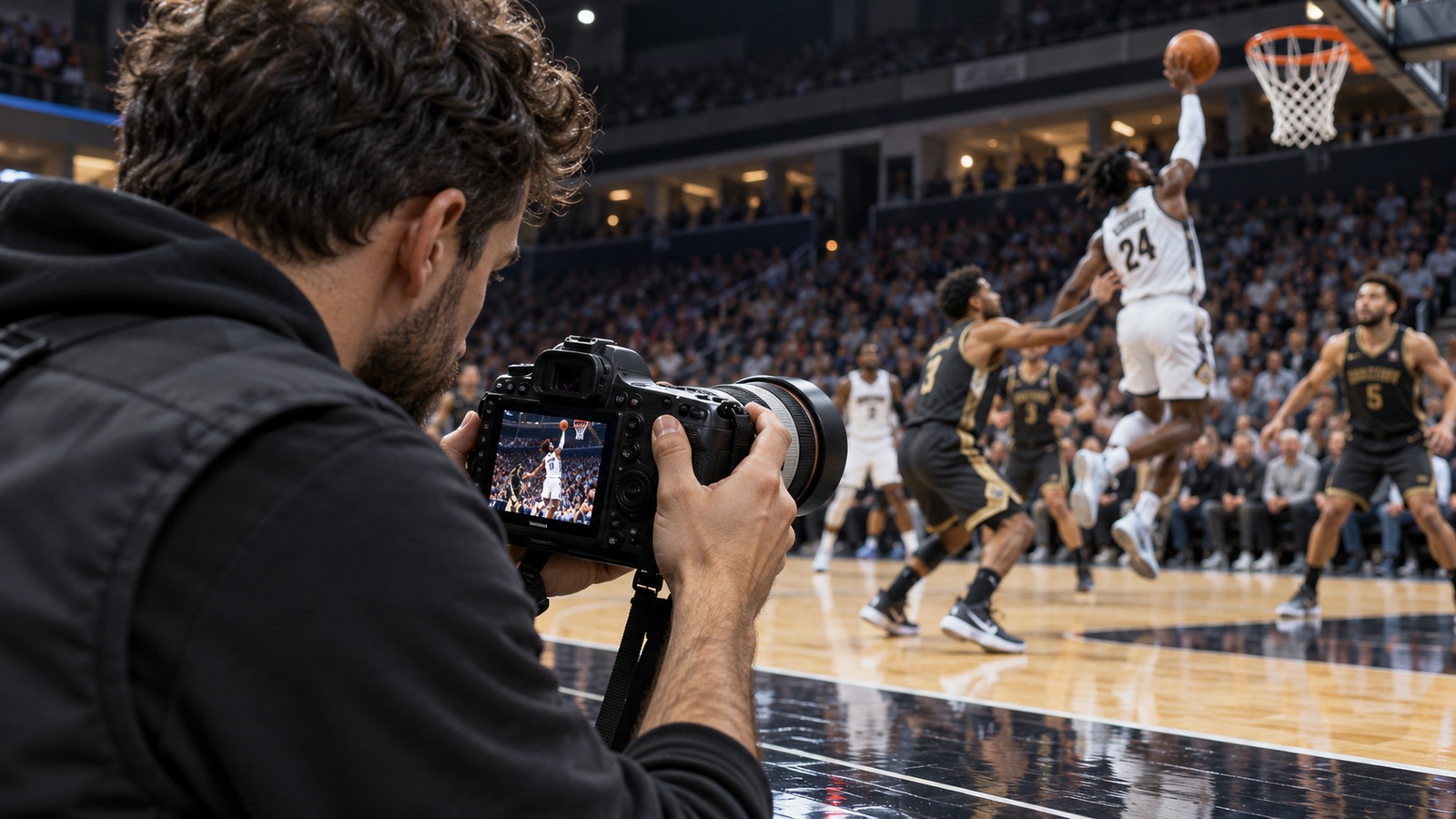
A sports video thumbnail should help someone recognize the recording before they click. Its job is to communicate the subject accurately at a small size. A dramatic image that promises footage the video does not contain creates confusion, even if it attracts an initial visit.
Choose one message
Decide what distinguishes this upload: the matchup, a particular skill, a full replay, or an interview subject. Choose a frame or original graphic that communicates that distinction. Use imagery you own or have suitable permission to publish. Do not imply that a stock image depicts the actual game.
Keep the thumbnail consistent with the title. A complete game can use a readable matchup and “Full Replay” label. A training guide can show the movement or equipment it explains. A selected highlight should not use a “Live” badge after the event has ended.
Design for the smallest view
Start with the target platform's current image requirements. For a landscape blog or replay card, a 16:9 layout is a useful working canvas. Keep essential text and faces away from the edges in case the surrounding design crops the image.
Use a short label rather than the entire title. Check contrast between text and background and avoid stacking several team logos, dates, scores, and slogans into a small corner. Shrink a preview to phone-card size. If the message disappears, simplify before increasing decoration.
Build a reusable system with distinct images
Choose a consistent position for the channel name and a small number of type sizes. Give each recording an image or illustration that reflects its own subject. Consistency should help recognition without making every upload look identical.
A simple thumbnail brief can contain:
- Video format: full replay, highlights, interview, or guide.
- Main subject and one visual idea.
- Short text label.
- Required credit or permission record.
- Filename and the video URL it belongs to.
Check accuracy before upload
Verify teams, dates, and any score shown. Make sure the selected frame belongs to the right event and does not portray a participant misleadingly. Review the image according to the team's publication process, particularly when children are identifiable.
After uploading, open the actual page and inspect both the card and the full image. An image in the editing folder does not establish that the correct version is live. If the thumbnail changes, keep a record of the replacement so another volunteer does not upload the old one again.
Pair the thumbnail with a clear title and description. For a larger launch, use the 30-day content calendar to prepare thumbnail briefs before recording, rather than improvising every image at publication time.